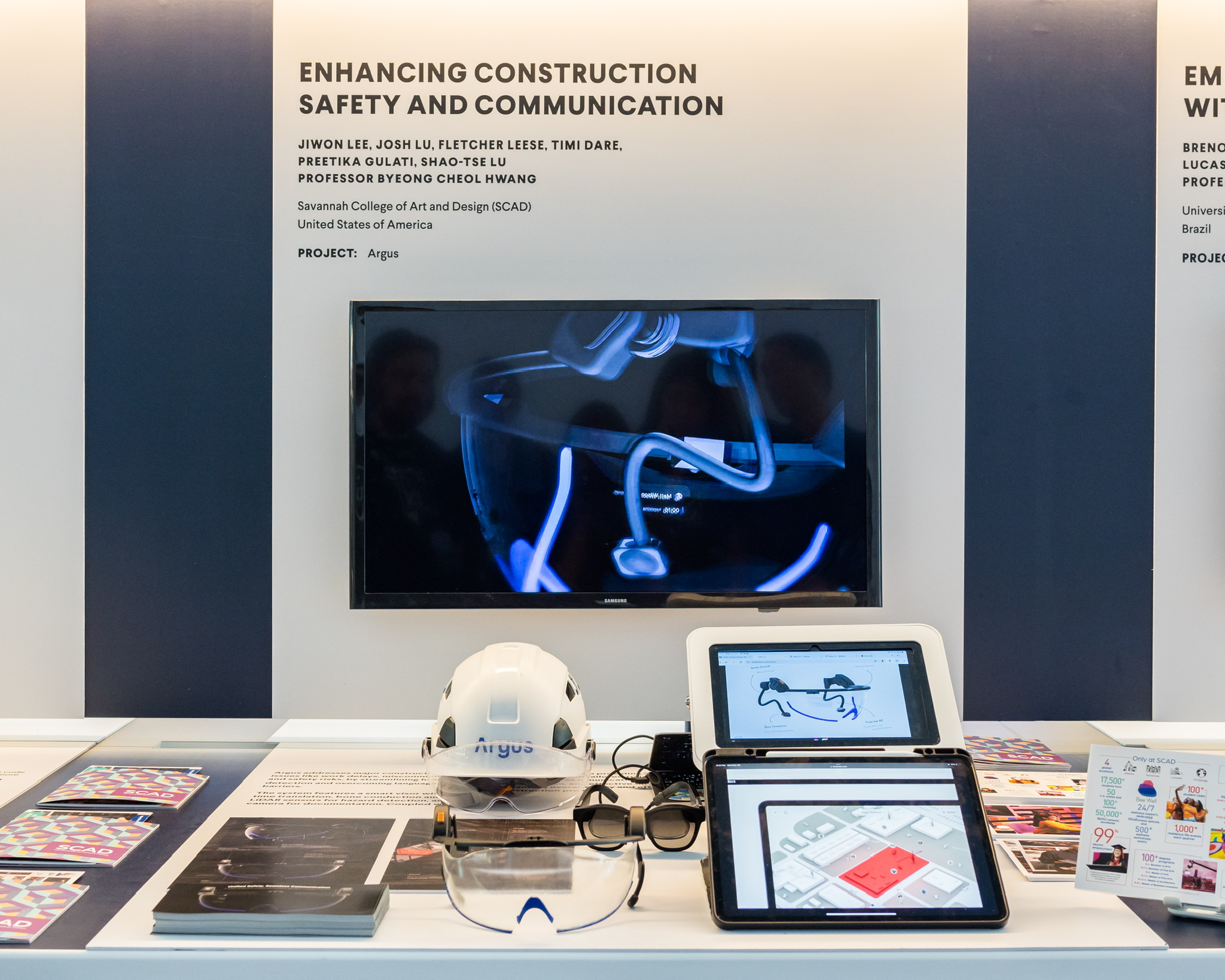
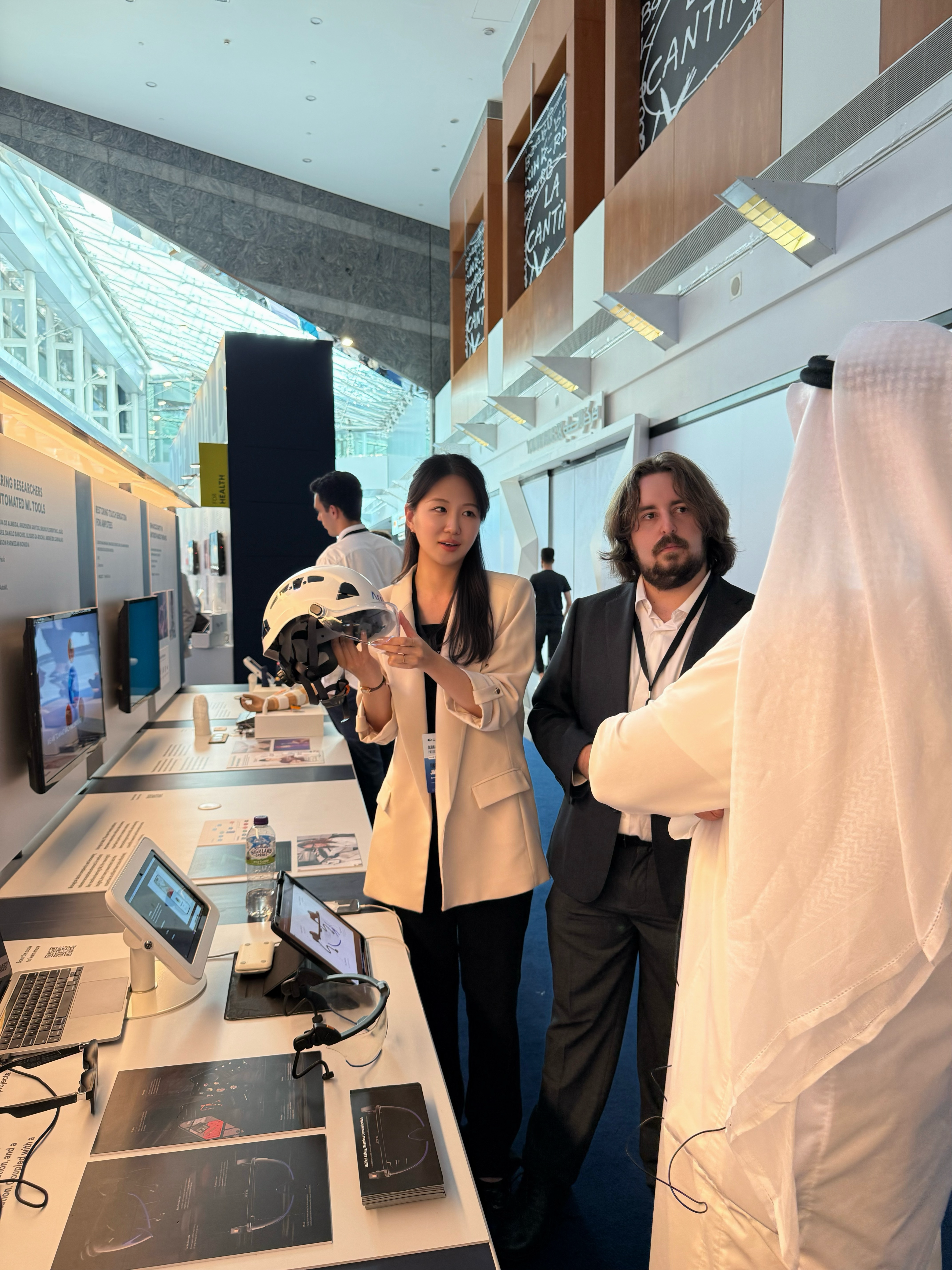
Presented at Prototypes for Humanity in Dubai, introducing Argus to investors and exhibition visitors.
MY CONTRIBUTION
Led five UX and product designers, managed project timelines and deadlines, set the design direction, and owned UI design across the visor, mobile, tablet, and desktop experiences.
DIRECTION
Design for work that cannot stop.
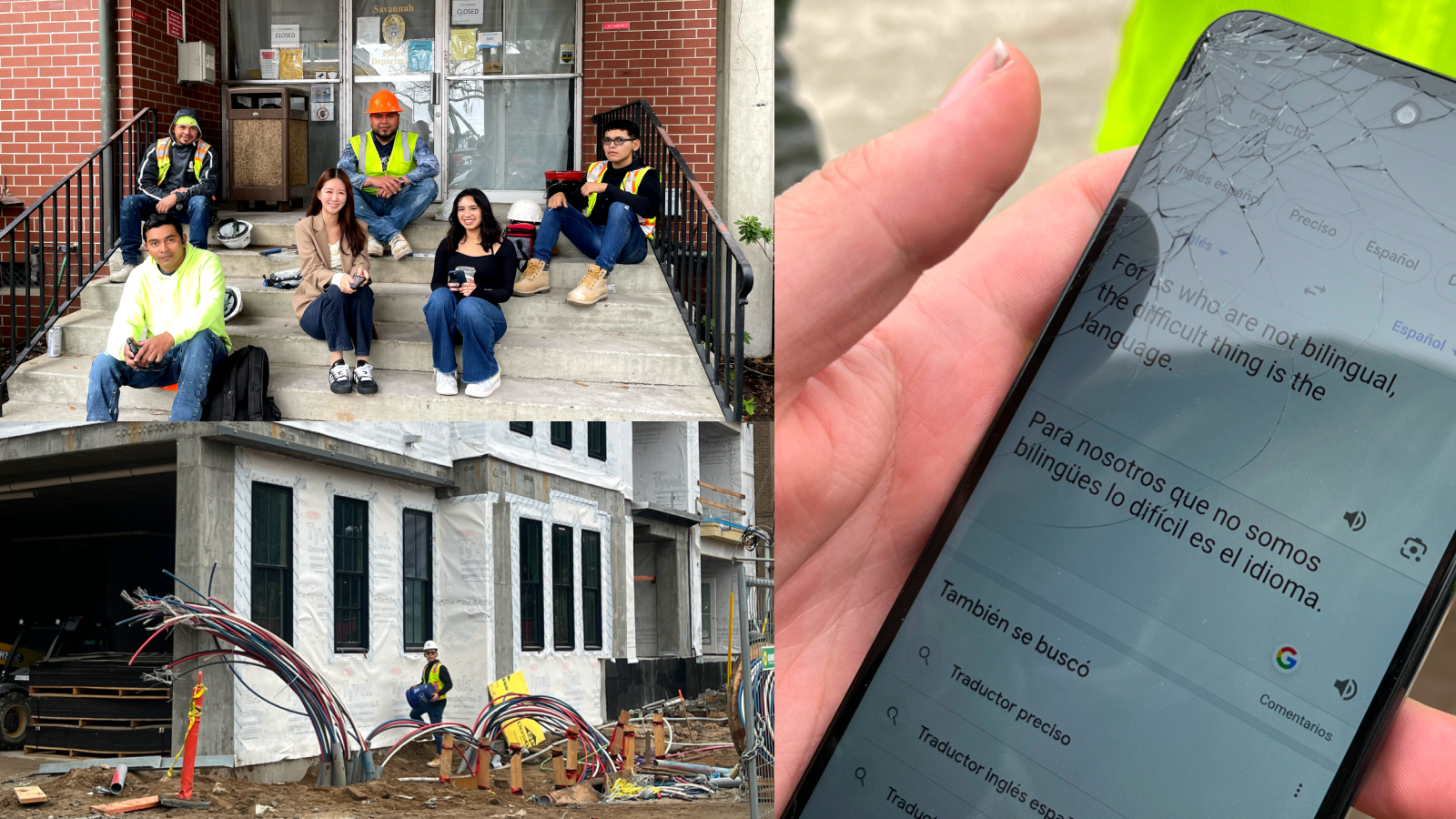
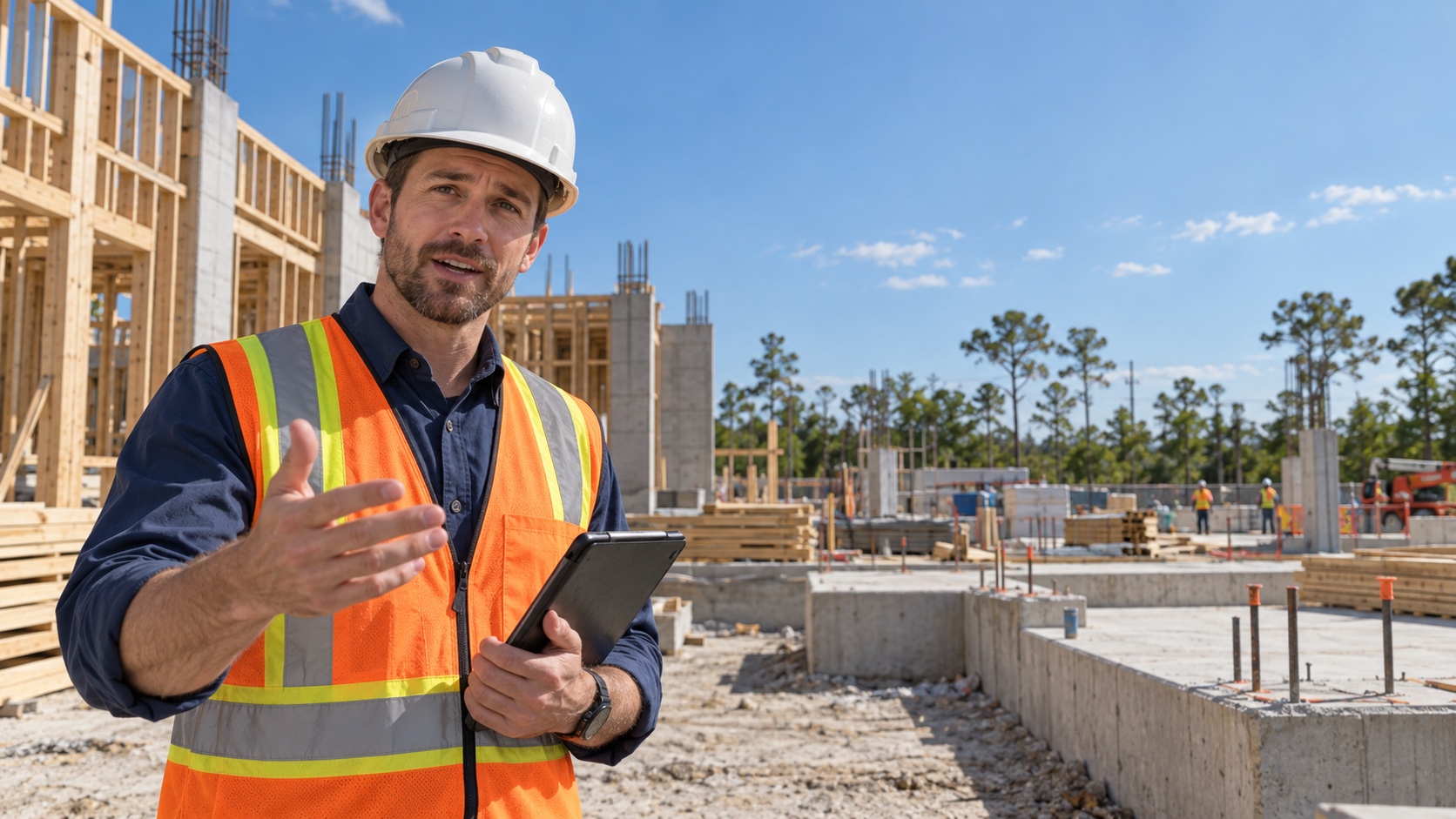
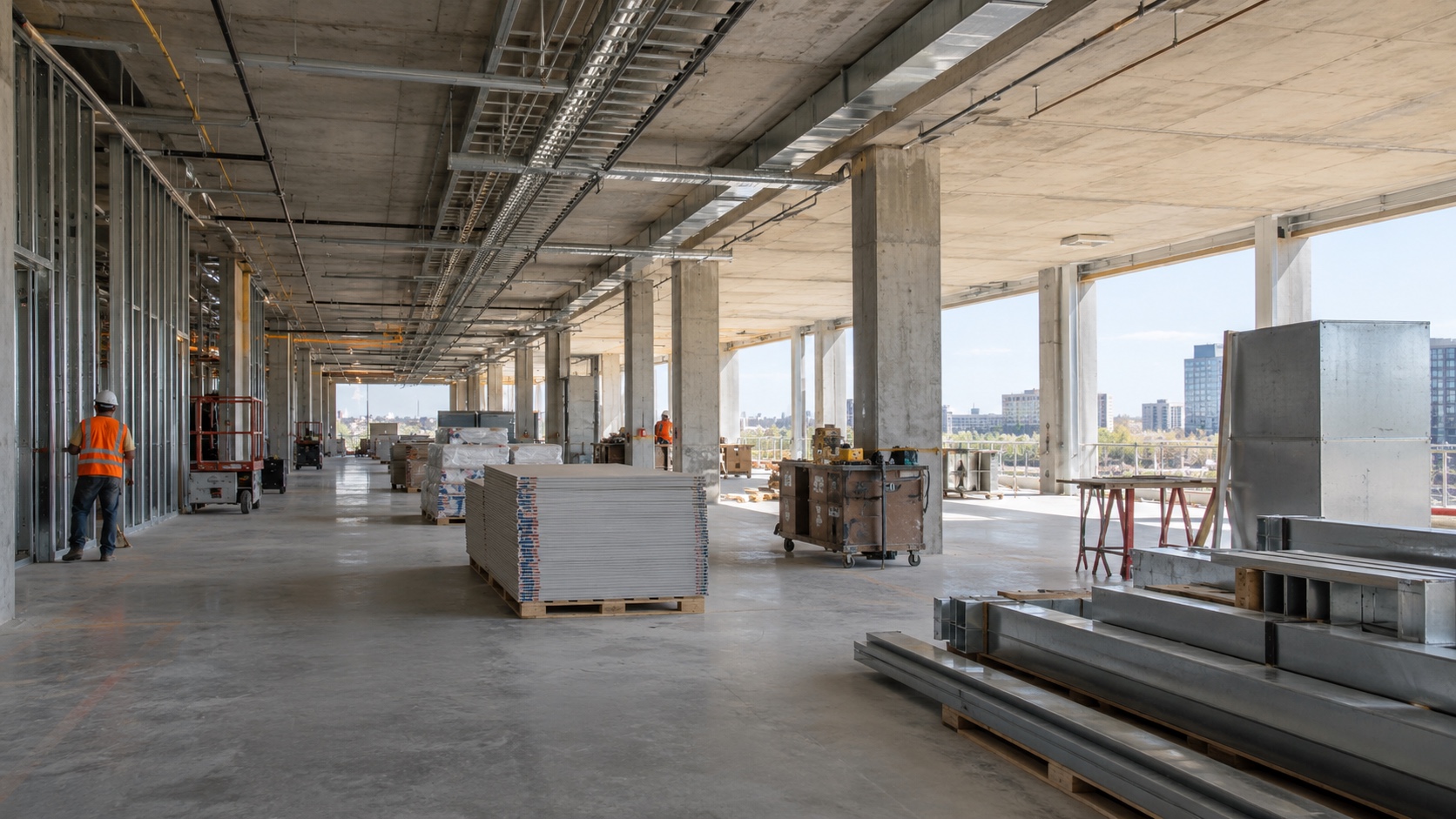
On multilingual construction sites, communication gaps and overlooked hazards put both workers' safety and productivity at risk.
RESEARCH
7 site visits · 53 expert interviews
THE FRICTION
Language barriers
Insufficient training
Unreported hazards
Technology unsuited to site conditions
How might we help construction teams recognize and respond to risks, and communicate across language barrierswithout disrupting their work?
SOLUTION
One system. Different moments of use.
The visor supports workers in the moment. The apps provide room to report, review, and coordinate.
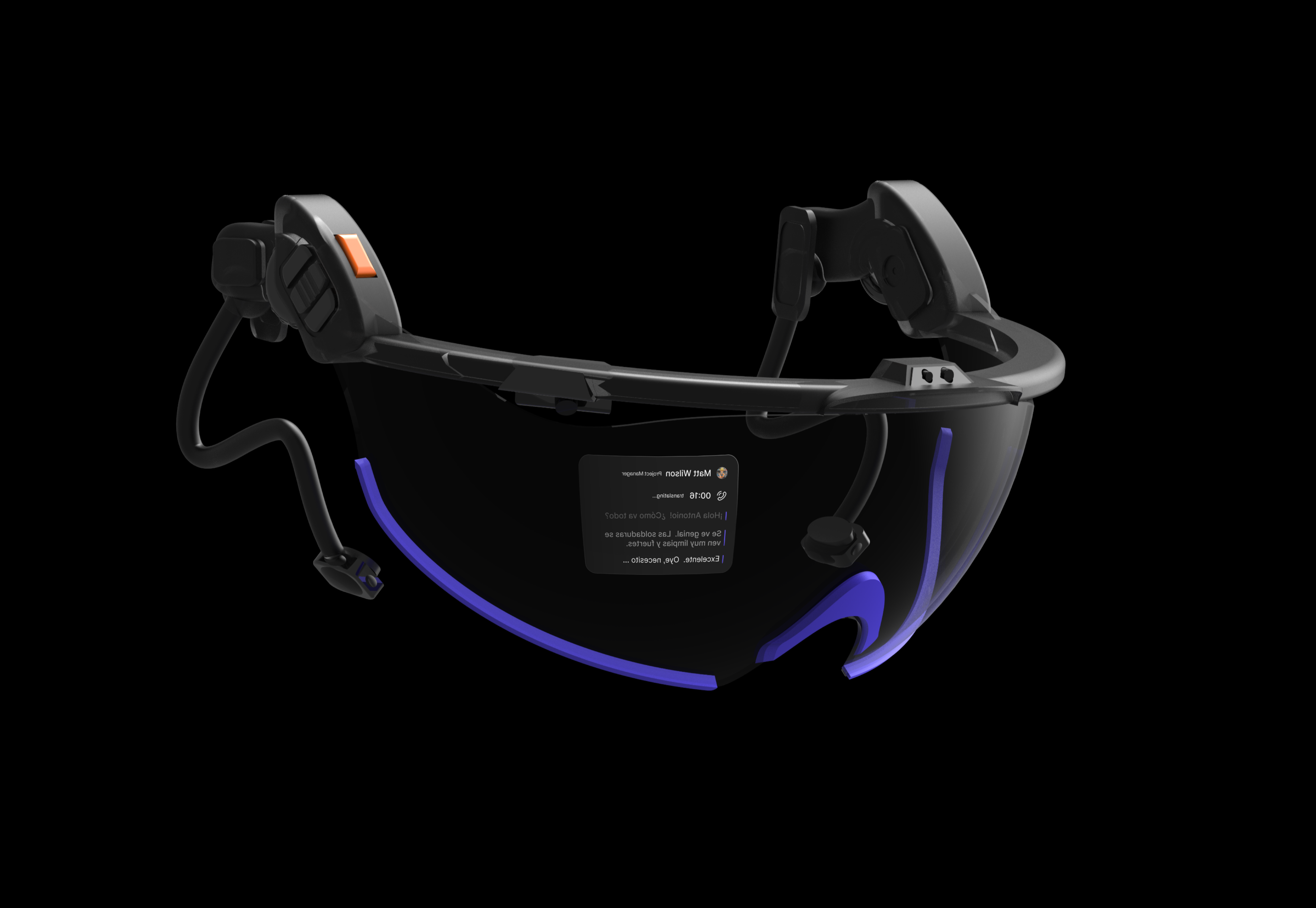
SMART AR VISOR
Information without reaching for a phone.
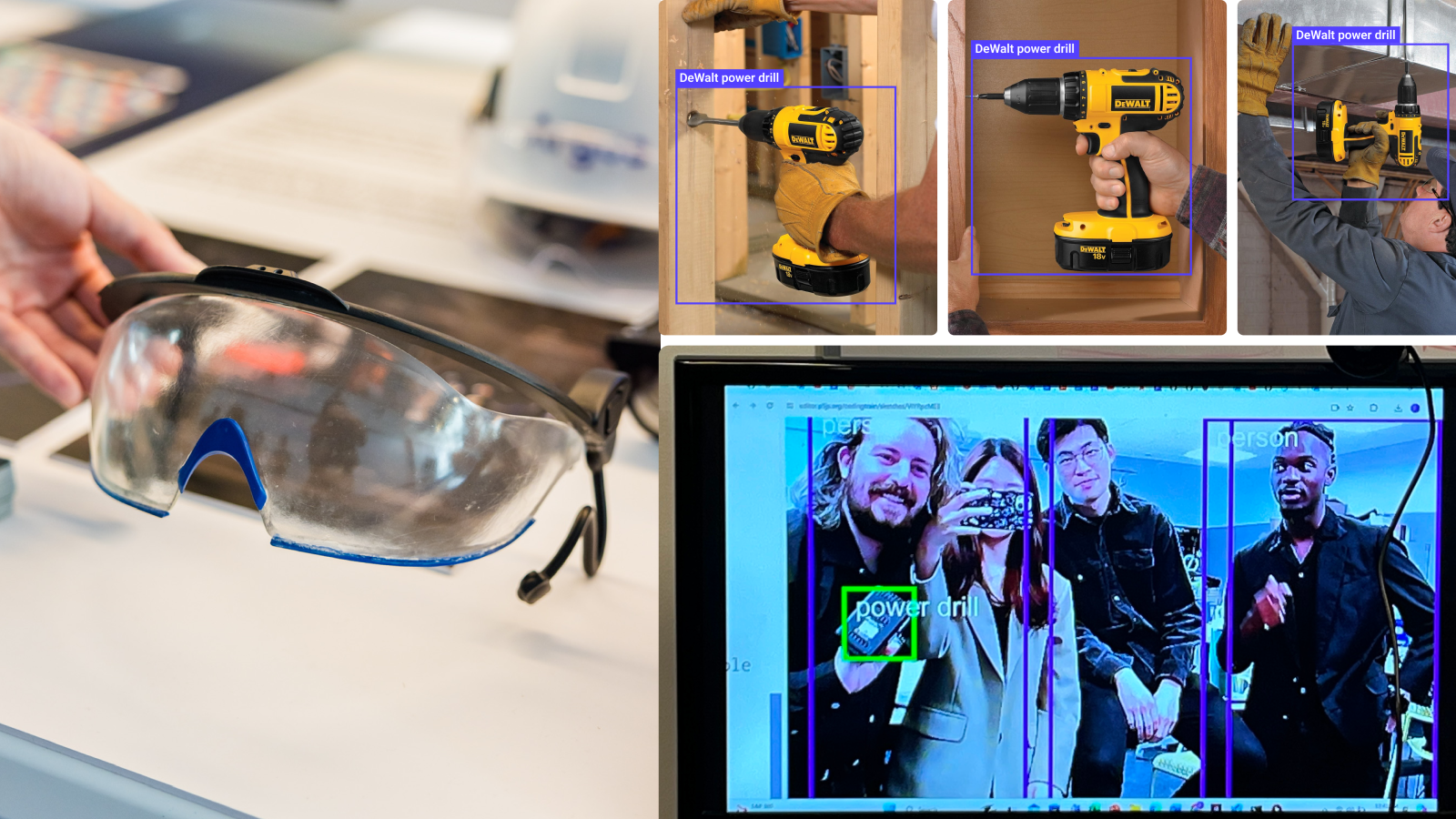
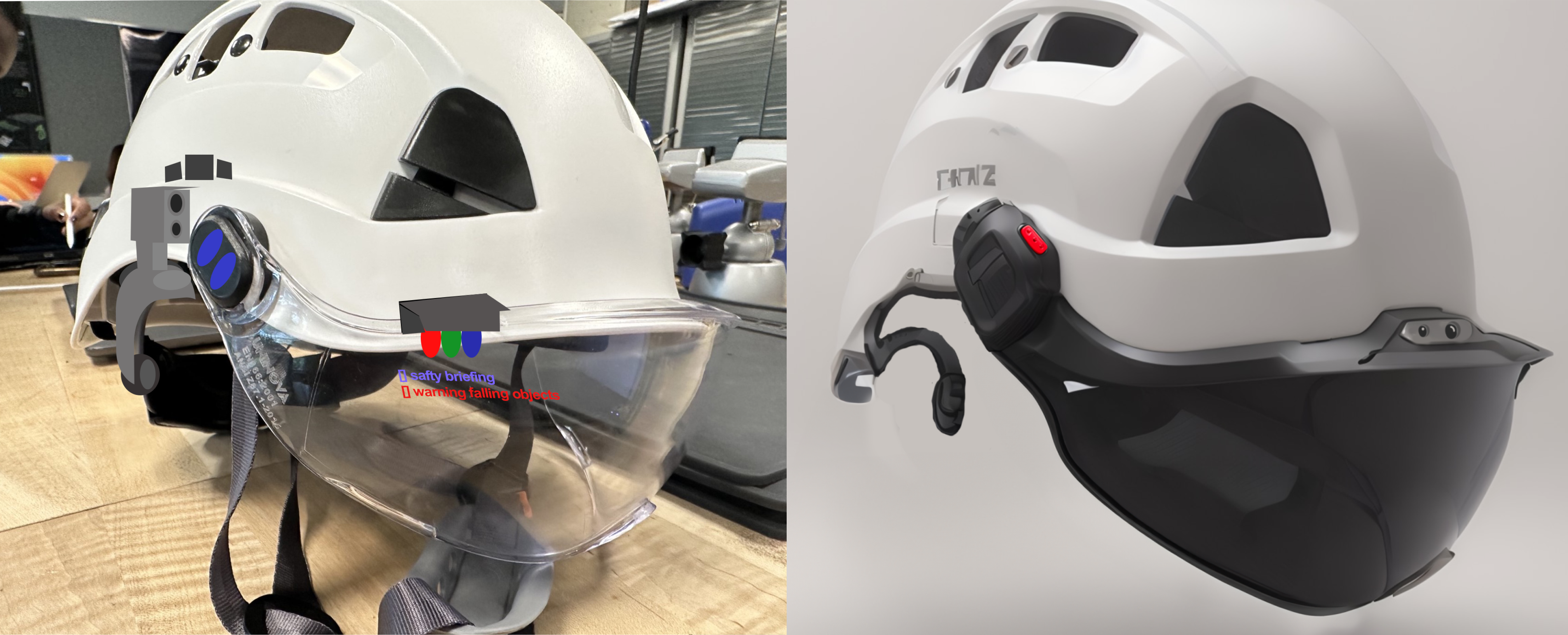
Designed with AI-powered cameras and LiDAR for hazard detection, an OLED display for real-time information, tactile controls for gloved hands, and bone-conduction audio for hands-free communication.
ENVIRONMENTAL AWARENESS
AI Camera & LiDAR
What it does
Detects tools and potential hazards while capturing site data.
Why it matters
Helps workers identify risks and document conditions more efficiently.
HANDS-FREE INFORMATION
OLED Projector
What it does
Displays safety warnings, messages, and tasks within the worker’s field of view.
Why it matters
Reduces the need to stop work or check a phone.
FIELD-READY INTERACTION
Tactile Controls
What it does
Large physical buttons provide manual control alongside AI voice interaction.
Why it matters
Workers often wear gloves. Large buttons make manual control easier without removing them.
AWARE COMMUNICATION
Bone Conduction Audio
What it does
Delivers audio communication without blocking the ears.
Why it matters
Chosen over conventional headphones to keep ears open to site sounds, warnings, and approaching equipment.
Hover or tap a point to explore.
SMART AR VISOR UI · WORKER’S VIEW
Keep messages clear. Make hazards stand out.
Dark panels improve text contrast. Icons identify alerts, and purple lines separate translated sentences. A red signal across the visor highlights detected hazards.
Unprotected edge ahead.
Matt WilsonGerente de proyecto
Traduciendo...
Usa la ruta señalizada.
El lado este está cerrado por trabajos en curso.
Nos vemos en la oficina.
Recording...
Matt WilsonProject Manager
How’s the work progressing?
MOBILE · REPORT, LEARN & CONNECT
Everyday support for work on site.
Report and review hazards, access safety training, and contact teammates.
DESIGN SYSTEM
One visual language. Built for different contexts.
Violet was chosen for visibility on light and dark surfaces, by day or night.
PRIMARY ACCENT#5340FF
Light surfaceContinue
Dark surfaceContinue
Neutral 900#222222
Neutral 0#FFFFFF
Danger#DA1E28
Solving#FFAE1B
Success#24A148
Inter was chosen for legibility, with clear letterforms and a flexible weight range.
InterAa 0123
Regular 400Medium 500Semibold 600
ALERT / SEMIBOLDUnprotected edge ahead.
INSTRUCTION / MEDIUMReview the report before submitting.
SUPPORTING TEXT / REGULARActualización del equipo · Área de trabajo
Proposed grids adapt a shared 4px rhythm to each device’s space and viewing context.
Visor4 columns · 5% inset · 24px gutter
Mobile4 columns · 16px margin · 16px gutter
Tablet8 columns · 32px margin · 24px gutter
Desktop12 columns · 64px margin · 24px gutter
The original Argus wordmark unifies the visor and companion apps.
ITERATIONS
How field testing changed the design.
Testing on site with approximately 50 participants, including workers, project managers, and senior management, led to three changes.
01 · HELMET COMPATIBILITY
Fit the equipment workers already wear.
FIELD INSIGHT
Site visits revealed a key constraint: the visor needed to work with mandatory protective helmets.
DESIGN RESPONSE
Shifted from a standalone visor to a detachable helmet-mounted design.
02 · CROSS-PLATFORM WORKFLOWS
Support managers beyond the job site.
TEST FEEDBACK
Managers and site supervisors worked both in the office and on site, often using tablets.
DESIGN RESPONSE
I expanded the app to tablet and desktop, supporting management in both settings.
03 · ADJUSTABLE VISOR UI
Make placement a user setting.
INITIAL HYPOTHESIS
A fixed upper position could keep notifications clear of the working area.
TEST FEEDBACK
Placement preferences varied, pointing to a need for flexibility and accessibility.
DESIGN RESPONSE
I replaced fixed placement with app controls for adjusting the visor UI position.
RESULTS
Build the foundation. Define what comes next.
DESIGN & PROTOTYPE SCOPE
Designed and refined a design system across visor, mobile, tablet, and desktop interfaces. Built a 3D-printed visor model and separate object-detection and OLED prototypes.
NEXT STEPS
Integrate the hardware into a single wearable prototype, then evaluate alert readability, prioritization, and placement during on-site tasks. Test how workers and managers report, review, and resolve hazards across devices.


 ENVIRONMENTAL AWARENESS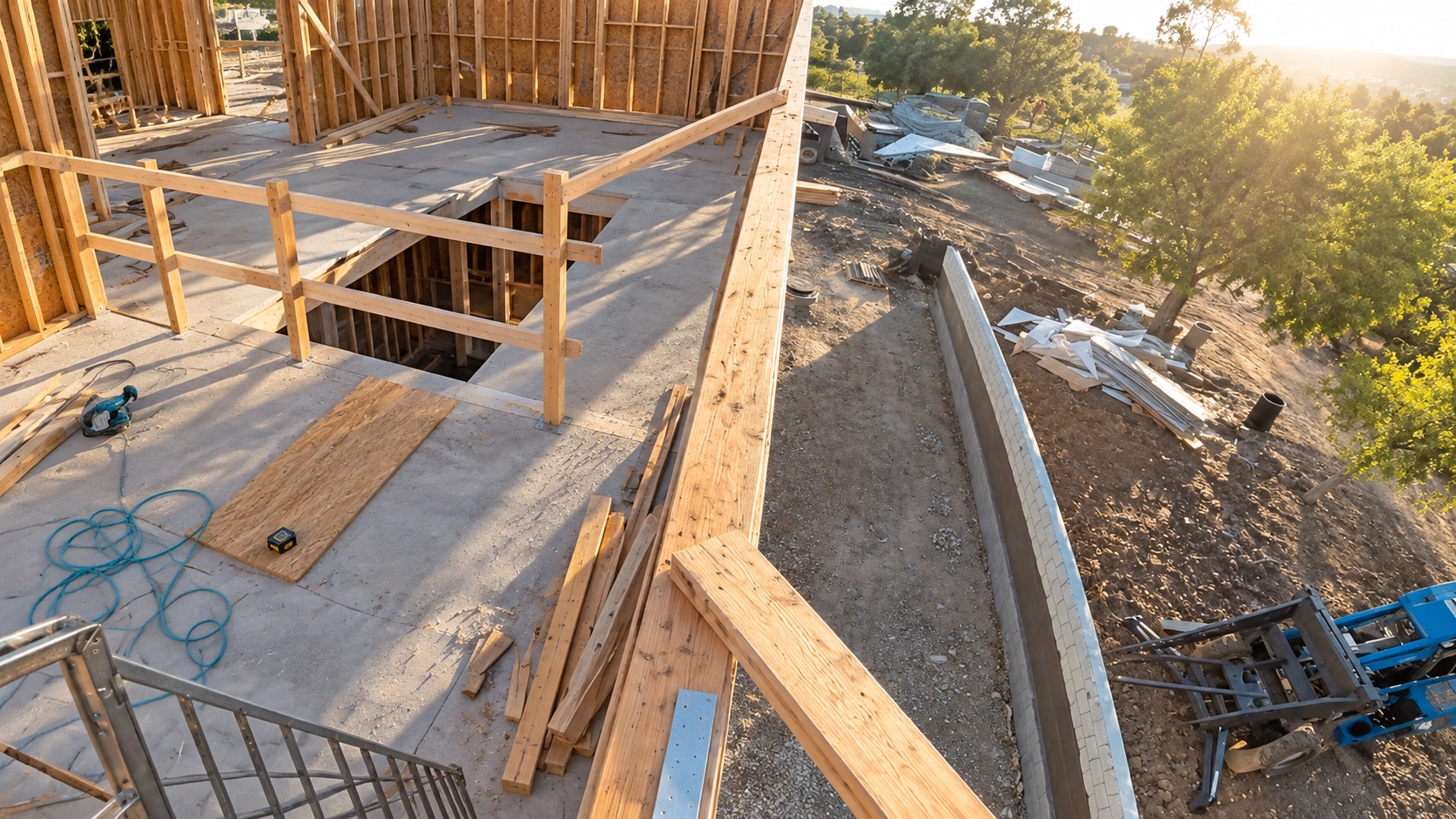
%20White.png)